
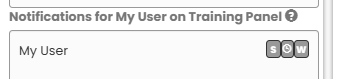
To subscribe users to servicing reports, select both the User and the Client, Site, or Equipment in Sites & Devices, selecting "S" for Servicing on the right hand panel.
Service summary reports
When a service visit is ended in Nimbus Engineer, the user is prompted to "Send Service Report?". Ticking this box and selecting "End visit" will prompt the reports to be delivered.
The email sent to the user details a summary listing the number of devices to be tested in the service visit, devices passed or failed testing, and additional information recorded by the Nimbus Engineer user.
One month remaining report
A report is sent notifying the user that there is 1 month left to complete servicing.
End of period report
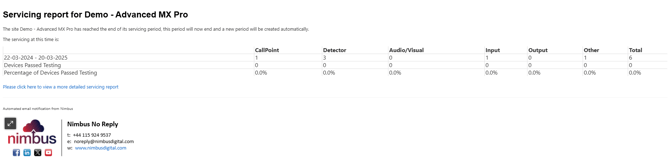
At the end of a servicing period, a summary report is sent to the user, notifying them that a new period will be automatically created.