
Notify events
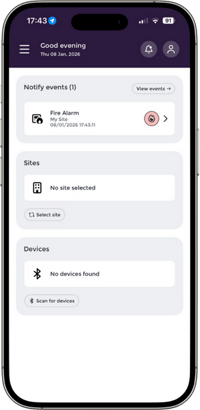
On the App home screen, you will see the Notify events card that will contain any uncleared events.
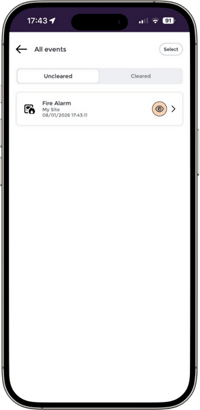
You can navigate to the event directly from here, or click into a full list via "View events" should you have multiple uncleared events. Note that you will also receive push notifications for new notifications.
Acknowledging and clearing events
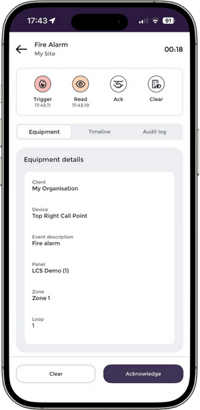
If no-one else has acknowledged or cleared the event yet, you will be able to do this by selecting into the event, reviewing the event details, and selecting clear or acknowledge as required.
Tip: unsure what notifications you are subscribed to? From the App home screen, navigate to your account via the icon in the top right hand corner, and review your notification registrations.
Need to add or remove notifications? This can be done by any user with administrative privileges in the Nimbus Web Portal.
Learn more: Subscribing users to event notifications